
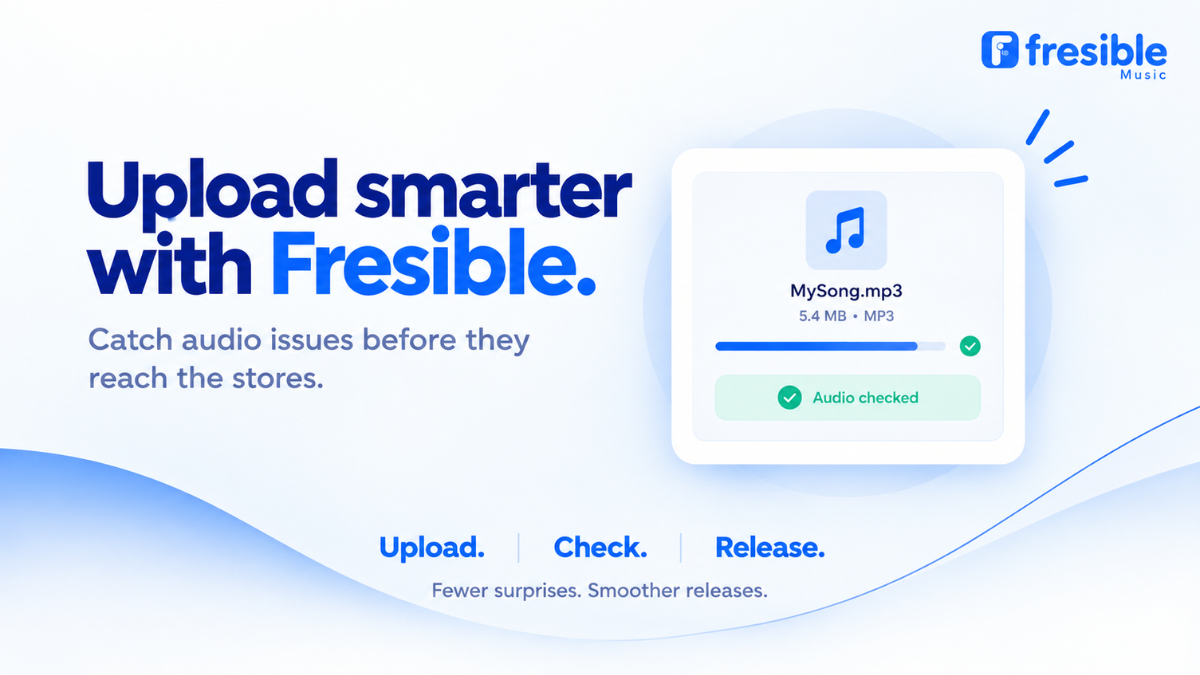
Uploading a song for distribution should not feel like a guessing game.
Before you submit your release, you want to know that the audio file you are uploading is suitable, that important information is consistent, and that there are no obvious issues that could affect the distribution process.
That is why Fresible Music now checks your audio file as soon as you select it.
Instead of waiting until you have completed your entire release form, you can receive feedback on your audio earlier in the process and decide what to do before submitting your release.
What Are Fresible Music Audio Upload Checks?
Audio upload checks are built into the Fresible Music release process to help artists identify potential issues with their audio files.
The checks begin immediately when you select your audio file, before you continue filling out the rest of your release information.
Depending on what is detected, Fresible Music can tell you if:
- Your file has an issue that prevents it from being accepted by stores
- There is a potential audio quality issue
- Information in your audio file differs from the information you entered
- Your audio file contains information that could help you correct your release details
The goal is simple: help you identify potential problems earlier.
Why Check Your Audio Before Completing Your Release?
Imagine spending time entering your release title, artist name, track information, artwork, release date and other details, only to discover that there is a problem with your audio file.
That can mean going back, correcting the file and repeating part of the process.
With audio upload checks, feedback is provided when you select the file.
This gives you an opportunity to review the issue before spending more time completing your release.
What Happens When You Upload Your Audio?
There are a few different ways Fresible Music can respond depending on what it finds.
1. Your file cannot be accepted by stores
If Fresible Music detects an issue that means the audio file cannot be accepted by stores, you will be told what the problem is.
This gives you an opportunity to correct the audio file before continuing with the release.
Rather than simply seeing that something is wrong, you get information about the issue so you can take the appropriate next step.
2. There is a potential quality issue
Sometimes the system may identify a potential quality concern with your audio.
In this situation, Fresible Music gives you a warning.
Importantly, a quality warning does not automatically stop you from continuing. You can review the warning and decide whether you want to proceed.
This keeps the decision in your hands.
3. Your audio file contains different information
Your audio file can contain information that does not match what you entered in your release form.
For example, Fresible Music can identify differences involving:
- Track title
- Artist name
- ISRC
If a difference is found, Fresible Music can point it out and offer to use the information contained in the audio file.
The information is not changed automatically.
You decide whether you want to use the suggested information.
Why Audio and Metadata Consistency Matters
A music release contains more than just the audio.
Your release also includes metadata — information such as the artist name, track title and ISRC.
When information associated with your audio differs from the information you are submitting, it is worth reviewing before completing your release.
For example, you may have entered:
Track title: My New Song
But the information contained in the audio file could say:
Track title: My New Song (Remix)
That difference may be intentional, or it may be a mistake.
The important thing is that you have the opportunity to notice the difference and decide which information should be used.
What Should You Do If You Receive a Warning?
Don’t automatically assume that every warning means you have to cancel your release.
First, read the message carefully.
Then consider:
- What exactly is the issue?
- Is the file the correct final version?
- Does the information match your intended release details?
- Is the warning something you need to correct before continuing?
If the system identifies an issue that prevents the file from being accepted by stores, you should address it before proceeding.
If it is a quality warning, you can review the information and decide how to proceed.
Preparing Your Music Before Uploading
Audio upload checks are designed to help you catch potential problems, but preparing your music properly before uploading is still important.
Use your final audio file
Make sure you are uploading the version of the song you actually want to distribute.
Avoid uploading an unfinished mix, demo or incorrect version of the track.
Check your track information
Before starting your release, make sure the information associated with your song is correct.
Pay particular attention to:
- Track title
- Artist name
- Featured artist information
- ISRC, where applicable
Review your audio file
Make sure you are uploading the correct file for the correct track.
If you are distributing multiple songs, it is easy to accidentally select the wrong file, especially when several files have similar names.
Review warnings before submitting
If Fresible Music identifies a potential issue, take a moment to review it.
The purpose of the check is to give you useful information before you complete the release.
Audio Upload Checks Don’t Replace Your Final Release Review
Even when your audio file passes the upload checks, you should still review your complete release before submitting it.
Check your:
- Artist name
- Release title
- Track titles
- Featured artists
- ISRCs
- Audio files
- Artwork
- Release date
- Other release metadata
Audio checks are one part of preparing your release. Your final review is still important.
A Better Way to Prepare Your Next Release
Getting music ready for distribution involves several steps.
You need to prepare your audio, artwork and metadata, enter your release information and review everything before submission.
Fresible Music’s audio upload checks make the audio part of that process more transparent by giving you feedback as soon as you select your file.
That means you can identify potential issues earlier rather than discovering them after completing the rest of your release.
Frequently Asked Questions
When does Fresible Music check my audio?
The check runs when you select your audio file, before you complete the rest of the release form.
What if my audio file cannot be accepted by stores?
Fresible Music will tell you why the file cannot be accepted, allowing you to identify and address the issue before continuing.
Will Fresible Music automatically reject my audio because of a quality warning?
A quality issue generates a warning and allows you to decide whether to continue.
Can Fresible Music check the information inside my audio file?
Yes. The system can identify differences between information in the audio file and information entered in your release, including the track title, artist name and ISRC.
Will Fresible Music automatically change my release information?
No. If information in your audio file differs from your release information, Fresible Music can offer to use the information from the file, but nothing changes unless you choose to do so.
Does passing the audio check guarantee that my release will be accepted by every music store?
No. The audio check is designed to identify certain issues during the upload process. It should not be treated as a guarantee that every store will accept a release.
Ready to Upload Your Music?
Your audio is one of the most important parts of your release.
With Fresible Music’s audio upload checks, you can get feedback earlier, review potential issues and make more informed decisions before submitting your music for distribution.
Ready to distribute your next release?
Already have a Fresible Music account?